
GripTight Cold Shoe Mount: Turn Your Phone Into a Real Rig
Phones have become serious filming tools, yet they are still awkward to attach to anything. Traditional spring clamps squeeze the edges of the device, cover buttons, and need readjusting every time you switch between portrait and landscape. When you want to add a microphone or a light, you usually end up with a tangle of brackets and adapters that makes a quick shoot feel like a construction project.
Camera operators solved a version of this problem long ago with the cold shoe, a simple slide-in mount on top of cameras and rigs that holds accessories securely. Bringing that same logic to phones is what makes a magnetic cold shoe mount so useful. In this article, we look at how this type of mount works, the rigs it makes possible for vloggers, livestreamers, and hybrid shooters, and the setup habits that keep everything secure while you film.
Why Phone Rigs Get Complicated So Quickly
A typical creator starts with a phone and a tripod. Then they add a microphone because the audio sounds thin. Then a light for evening streams. Then perhaps a second phone to monitor chat. Every addition needs its own mounting point, and a basic clamp offers none. The result is a stack of adapters that wobble, block the screen, or simply refuse to fit together.
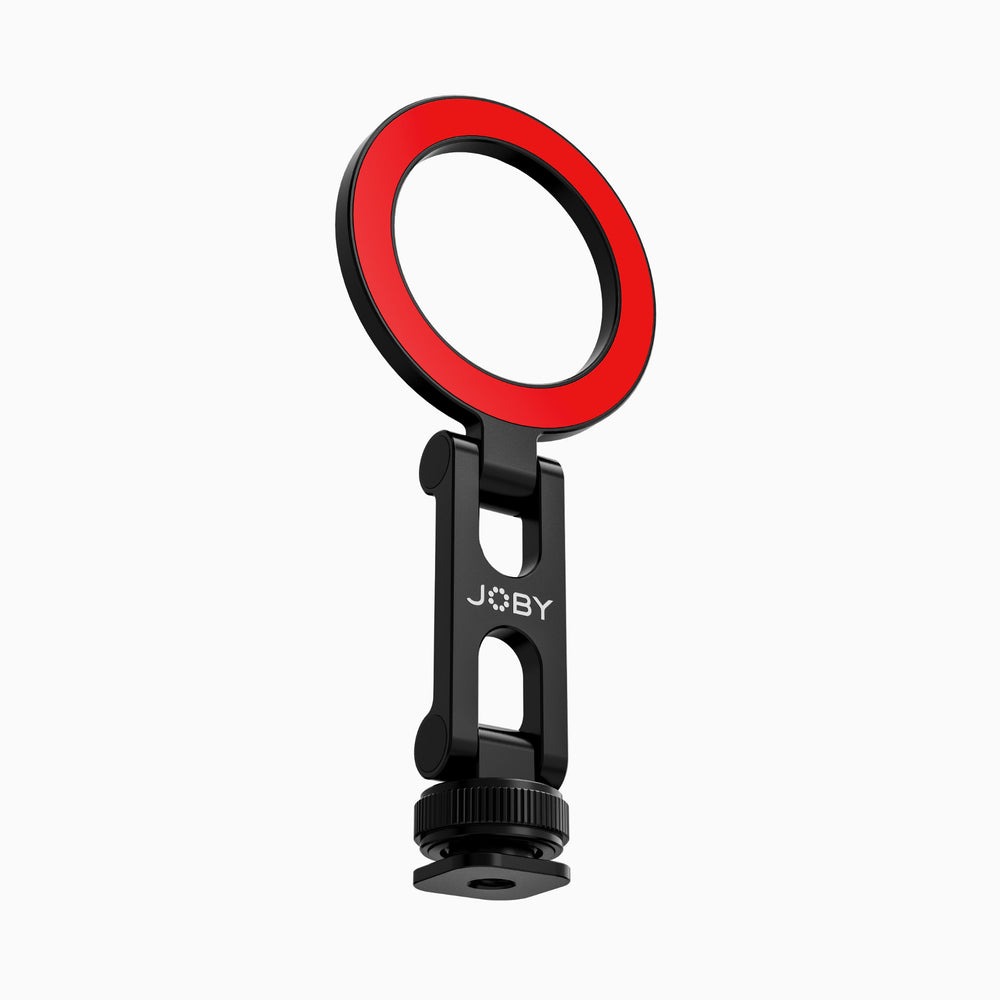
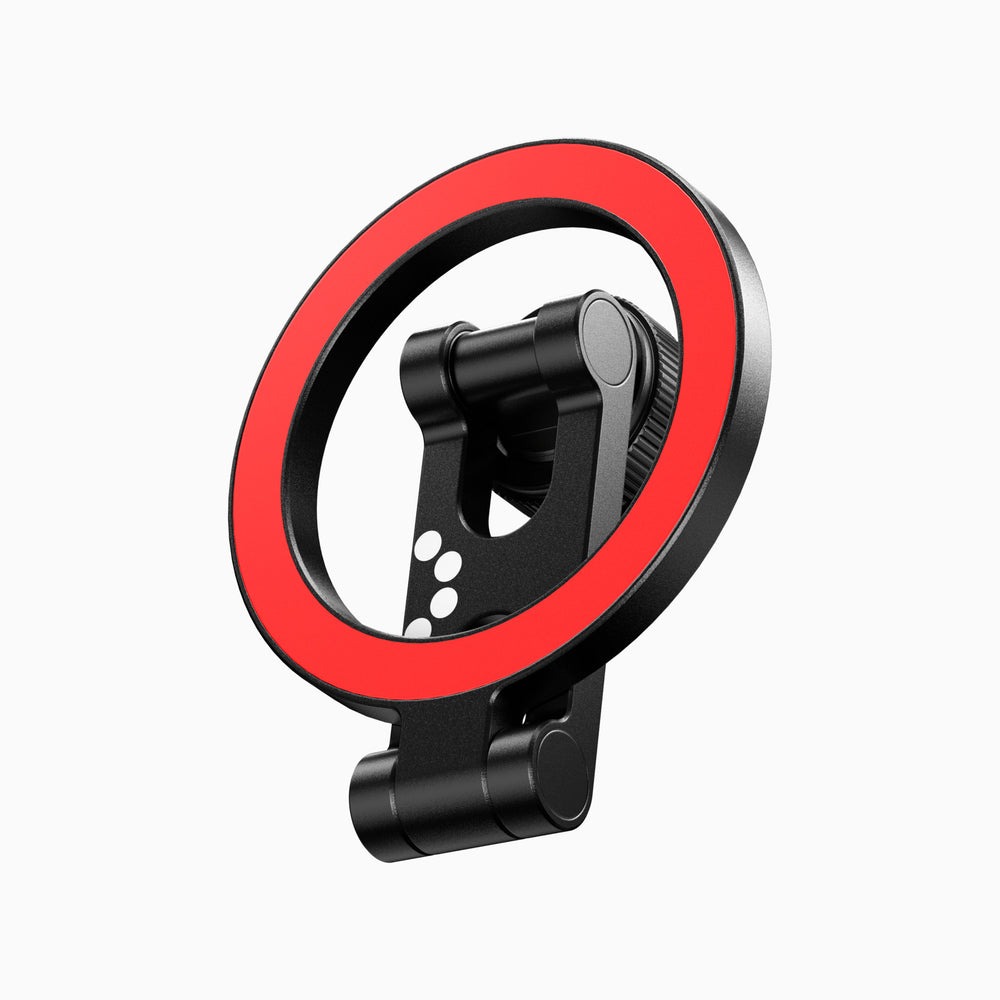
The GripTight Cold Shoe Mount tackles this by combining three connection types in one compact piece: a magnetic attachment for the phone, a standard tripod thread underneath, and cold shoe compatibility for expanding the rig. Instead of building around the phone, you build around the mount, which keeps the whole setup tidy and quick to change between shoots.
How the Magnetic Mount Works
The magnetic side attaches to phones with built-in magnets or to a magnetic case, so there is no clamp to squeeze or adjust. You bring the phone close, it snaps into place, and you can rotate it between vertical and horizontal orientation without loosening anything. Removing it is equally fast, which matters when you need the phone for a call or a quick photo between takes.
Dual-sided magnets add another layer of flexibility. Because the mount can connect on more than one face, you can chain it with other magnetic accessories to create modular mobile setups. The tripod thread means it fits virtually any tripod, grip, or articulating arm, and the cold shoe connection lets it slide onto a camera’s accessory shoe or onto a rig cage.
Keeping the Grip Secure
Magnetic mounts are only as reliable as the surfaces they attach to. Thick non-magnetic cases, card wallets, and pop-out grips can weaken the connection noticeably. Use a case designed for magnetic accessories, keep the contact surfaces clean, and give the phone a gentle tug after attaching it to confirm it is seated properly.
Rig Ideas for Different Creators
Livestreamers
Mount the phone on a desk tripod through the thread, then add a compact light on a nearby cold shoe point. Switching between landscape for platforms that favor wide video and portrait for vertical streams is a quick twist rather than a full remount. A second phone attached magnetically nearby can display chat, so you never need to look away from the lens for long.
Vloggers on the Move
Pair the mount with a handheld grip or mini tripod for walking shots. Because the whole setup stays lightweight and small enough for a pocket, you can carry it through a city or along a trail without a dedicated camera bag. When a scene catches your eye, snapping the phone on takes a moment, which keeps spontaneous clips spontaneous.
Hybrid Camera and Phone Shooters
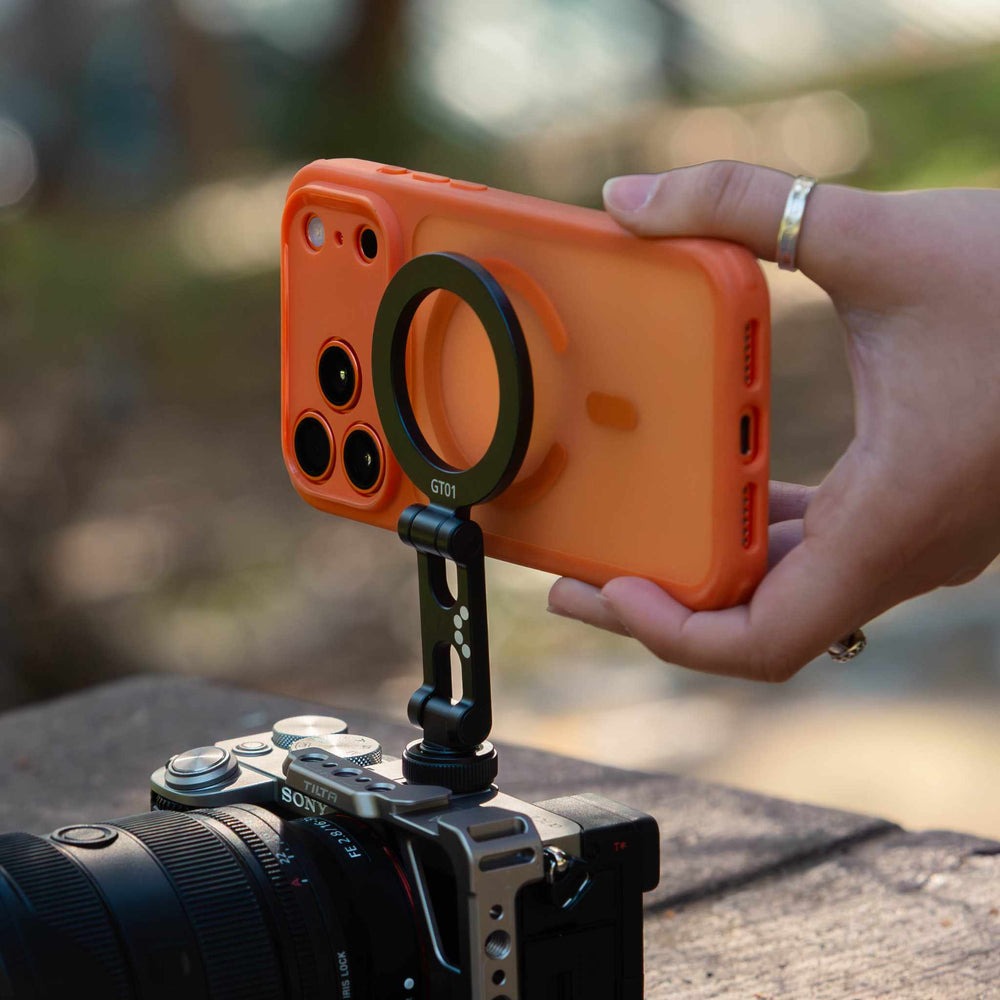
Many creators film on a mirrorless camera while using a phone for behind-the-scenes clips, vertical versions, or remote control apps. Sliding the mount into the camera’s cold shoe puts the phone right above the main lens, so both devices capture the same moment from almost the same angle. It is a simple way to produce a horizontal edit and a vertical short from a single take.
Setting Up Your First Rig Step by Step
A clean build takes only a few minutes once you know the right order.
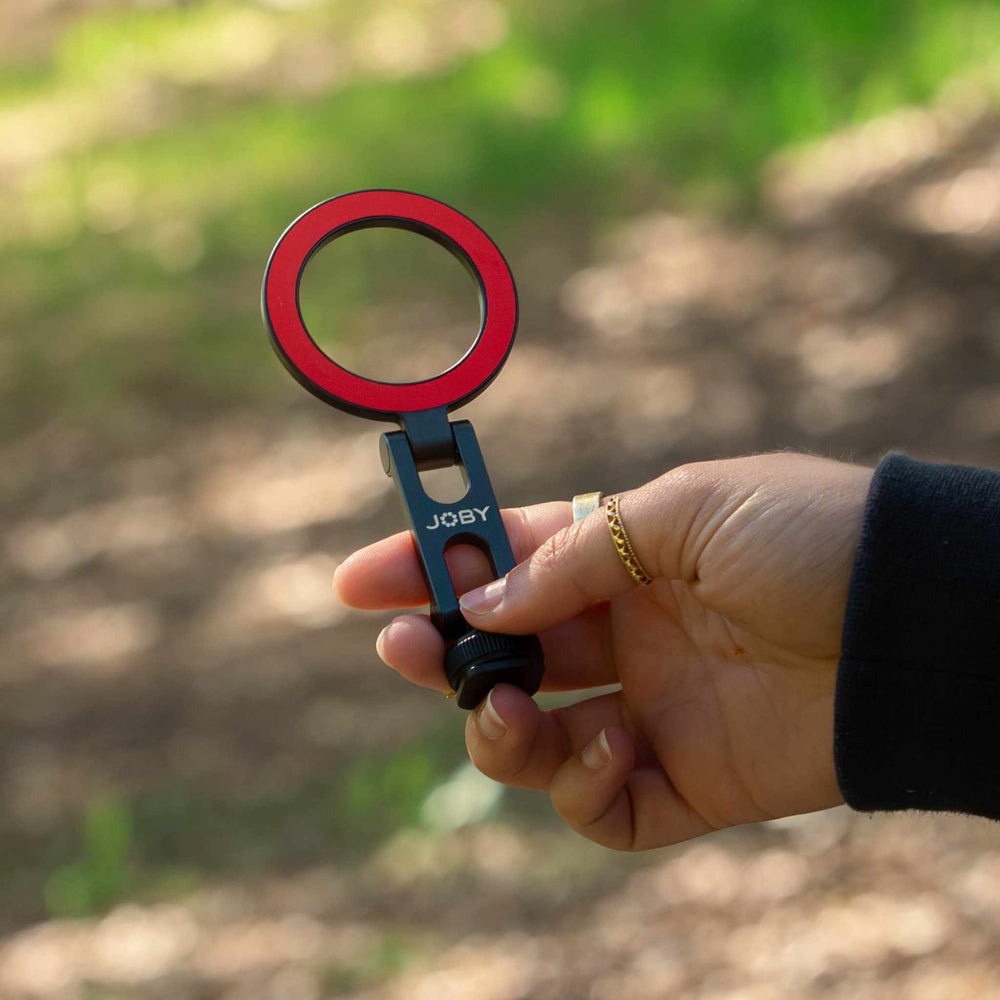
- Attach the mount to your tripod or grip through the thread and tighten it by hand until it no longer spins.
- Decide where accessories will go and slide your light or microphone into the cold shoe point you have chosen.
- Snap the phone onto the magnetic face, check the orientation, and confirm no accessory blocks the lens.
- Run a short test recording to check framing, audio levels, and whether the light causes glare on the screen.
Once it works, leave the core of the rig assembled. The next session then only requires snapping the phone on and pressing record, which removes most of the friction that keeps creators from filming more often.
Choosing Accessories for the Cold Shoe
The cold shoe point is where a mount stops being a simple holder and becomes the center of a rig. The most useful additions are the ones that fix a visible weakness in your videos. If viewers comment on echo or wind noise, start with a compact on-camera microphone. If your evening streams look dim or grainy, a small LED panel does more for image quality than any camera setting.
Keep weight in mind as you add pieces. Every accessory adds leverage on the mount and on the tripod beneath it, and a top-heavy rig can tip or sag during long sessions. Favor small, light accessories, position them close to the center line of the rig, and angle microphones toward your mouth rather than the phone speaker. If you need both a light and a microphone, test whether the light casts a shadow from the microphone onto your face before committing to that layout.
Switching Orientations Without Losing Your Framing
Posting the same content across platforms often means filming both vertical and horizontal versions. Clamp-style holders make this tedious because each switch shifts the phone’s position and forces you to reframe. A magnetic connection lets the phone rotate around the same center point, so the subject stays roughly where it was in the frame.
To make switching even faster, frame your horizontal shot first with a little extra headroom, then rotate to vertical and check that nothing important is cut off at the sides. Keep key props and on-screen action near the center of the scene. Many creators record the vertical take immediately after the horizontal one, while lighting and energy are still consistent, which makes the two versions feel like a matched set rather than separate shoots.
Care, Travel, and Common Fixes
Mounts that live in a bag collect dust and grit, which can affect both magnetic contact and cold shoe fit. Wipe contact surfaces regularly and make sure the thread is lined up straight before tightening. If the phone slips during fast movement, reduce the weight of accessories hanging off the rig or move heavier pieces closer to the center of the tripod.
When traveling, keep the mount attached to your grip and store it in a jacket pocket rather than loose in a bag. Because it is compact and light, it adds almost nothing to your carry weight. JOBY designed this piece to slot into the rest of its mobile lineup, so if you already use magnetic tripods or grips, the mount becomes the connector that ties them all together.
One Small Mount, a Far More Capable Phone
Phone filming becomes much easier when the mount stops being an obstacle. A magnetic cold shoe design replaces fiddly clamps with a quick snap-on connection, adds a universal thread for tripods and grips, and opens the door to lights, microphones, and second devices through cold shoe compatibility. That combination turns a phone and a few accessories into a coherent rig rather than a pile of parts.
Start with the setup that matches your work, whether that is a livestream station, a walk-and-talk vlogging kit, or a hybrid rig on top of your camera. Build it in a logical order, test it before important shoots, and keep the contact surfaces clean. With those habits, you spend less time assembling gear and more time capturing the moments that make your content worth watching.