
The Quiet Worry Every Parent Feels Once School Pickup Runs Late
There is a particular kind of unease that sets in when pickup time passes and your child is not where they are supposed to be. Maybe practice ran long, maybe they walked home with a friend instead of waiting for the bus, or maybe it is nothing at all, but those extra fifteen minutes without knowing feel much longer when you are a parent. This is the exact gap a kids GPS watch is designed to close, giving children a bit more independence to walk to a friend’s house or wait outside school, while giving parents a quick way to check in without a phone call. It is not about constant surveillance, it is about having peace of mind available the moment it is needed. This article looks at what these watches actually do well, what tends to get overpromised, and how to pick one that fits your child’s age and routine.
What a Kids GPS Watch Actually Solves
Most parents considering a GPS watch are not trying to track every move their child makes. The real appeal is narrower: knowing your child arrived safely, being able to send a quick message without handing over a full smartphone, and having a way to reach them if plans change last minute. For kids too young for a phone but old enough to walk to school alone or attend after-school activities without direct supervision, a watch bridges that gap without introducing social media, app stores, or the other complications that come with a full device.
It also solves a communication problem that predates GPS entirely. Before these watches existed, a parent’s only options were trusting the plan completely or calling a school office to check in, both of which leave gaps. A location check and a two-way call button close that gap directly, especially useful during transitions like a new school year when routines are still settling in.
Where Expectations Need to Be Realistic
GPS accuracy indoors is weaker than most marketing suggests, since GPS signals struggle to penetrate buildings the way they do outdoors. A watch might show a location a block or two off while your child is inside a school or shopping center, which is normal and not a sign of malfunction. Battery life is another area where real-world use differs from lab conditions, since frequent location pings and calls drain the battery faster than idle standby time alone. Setting expectations around a daily charge, similar to a phone, avoids the disappointment of a watch dying mid-afternoon.
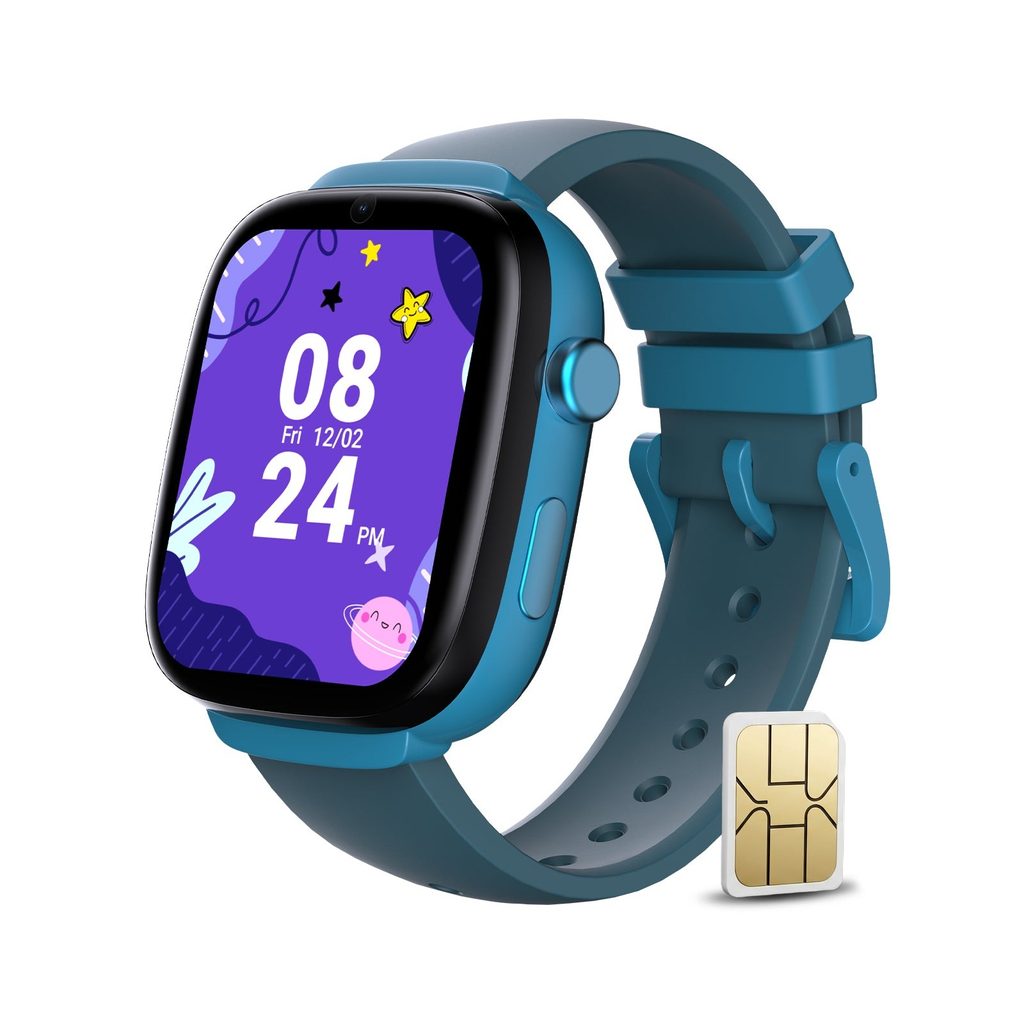
It is also worth being upfront with your child about how the watch works rather than treating it as something hidden. Kids who understand that a watch is there for check-ins and emergencies, not constant monitoring, tend to accept it more comfortably than kids who feel watched without explanation. This framing matters for the relationship as much as the technology itself.
Age-Appropriate Features to Look For
Younger children generally do better with a simplified interface, a small set of pre-approved contacts, and a clear SOS button rather than a watch packed with extra apps and games that distract more than help. As kids get slightly older, features like a safe-zone alert, which notifies a parent if the watch leaves a set area like the neighborhood or school, become genuinely useful without feeling excessive. Matching the feature set to your child’s actual age and independence level, rather than buying the most feature-dense option available, tends to work better long term.
Setting It Up Without Overcomplicating Things
Getting a kids GPS watch set up correctly from the start makes daily use much smoother. Pair the watch with the parent app before your child wears it for the first time, load in the contacts you actually want reachable, and do a short test walk around the neighborhood to confirm location tracking behaves as expected. Eiotclub designs its kids’ watches with this kind of straightforward setup in mind, aiming for something a parent can configure in one sitting rather than a multi-day process.
Giving Kids Independence Without Losing Peace of Mind
A GPS watch is not a substitute for conversation or trust, but it does offer a practical middle ground between a child having no way to check in and a full smartphone with everything that comes attached to it. Setting realistic expectations around accuracy and battery life, choosing features that match your child’s actual age, and being open with them about how it works all make the experience smoother for both sides. Used this way, it becomes less about tracking and more about giving your child a bit more freedom while keeping that small worry at bay when the pickup runs a few minutes late.