
The Best Way to Create Photorealistic Portraits Without a Camera or Studio
Portrait photography has always carried a premium. Booking a professional, renting studio space, arranging lighting, and editing the final shots can drain both time and budget. For brands launching campaigns, content creators building personas, or hobbyists exploring character design, this barrier limits how often they can experiment.
Modern AI generation tools have rewritten the rules. You can now produce magazine-quality portraits from a written description in under a minute, and the workflow stays beginner-friendly throughout.
Understanding What Makes a Portrait Feel Real
Photorealism depends on subtle details. Skin texture, eye reflections, hair strands catching light, and natural shadow gradients all contribute to believability. AI models trained on millions of reference photos have become remarkably skilled at reproducing these elements when given proper guidance.
Pollo AI’s Text to Image AI specializes in generating high-quality realistic images across portrait styles, from corporate headshots to editorial fashion shoots. By inputting straightforward text prompts, users can produce faces, expressions, and lighting setups that rival traditional studio output. The system handles diverse subjects including people, pets, vehicles, and fantasy characters with consistent quality.
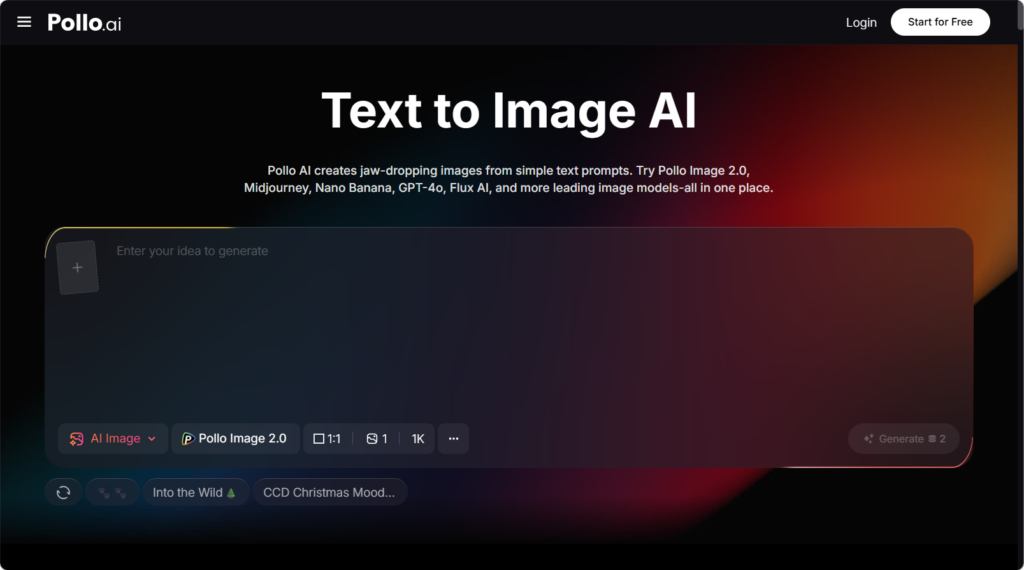
What makes Pollo AI’s Text to Image AI particularly useful for portrait work is its responsiveness to nuanced descriptors, mentioning “candid expression” versus “posed smile” produces noticeably different emotional tones in the final image.
How to Build a Portrait Prompt from Scratch
A successful portrait prompts layers multiple elements in a logical order.
Step 1: Describe the Person
Kick off your prompt by outlining core attributes: start with an age range, specify gender presentation, include ethnicity if it adds context, and capture the subject’s overall demeanor to set an emotional tone.
Example: “a warm middle-aged woman with crinkly kind eyes and soft silver-streaked hair.”
Step 2: Detail the Wardrobe
Clothing serves as a silent storyteller, conveying rich contextual cues: a crisp, tailored linen blazer exudes polished professionalism, while a soft, chunky knit sweater wraps the subject in approachable warmth.
Always specify fabric texture and color to add vivid, tangible depth to your portrait vision.
Step 3: Set the Lighting
Lighting stands as the most pivotal element in shaping a portrait’s mood. “Soft window light from the left” wraps the subject in gentle, diffused rays, fostering a warm, intimate connection that draws viewers into their quiet world. In contrast, “dramatic rim lighting against a dark backdrop” carves the subject’s silhouette with sharp, glowing edges, infusing the scene with cinematic tension and grandeur.
Step 4: Choose the Background
The background serves as a silent storyteller, profoundly influencing how the subject’s emotions are perceived. A clean studio backdrop strips away distractions, focusing all attention on the subject’s raw expression.
An urban street scene adds energy and context, suggesting a dynamic lifestyle, while a cozy interior evokes comfort and familiarity, and a natural outdoor setting brings a sense of freedom and serenity.
Step 5: Add Photographic References
Incorporating specific camera terms is key to achieving authentic photographic aesthetics.
Mentioning “shot on 85mm lens, shallow depth of field” guides the AI to mimic the natural perspective and beautiful bokeh of professional portrait photography, blurring the background to make the subject pop and avoiding the flat, illustrated look that can come from generic prompts.
Editing and Repurposing Your AI Portraits
Once you have a portrait you love, the next step is integrating it into your broader content strategy. Many creators want to animate stills, place them into video intros, or remove backgrounds for layered compositions.
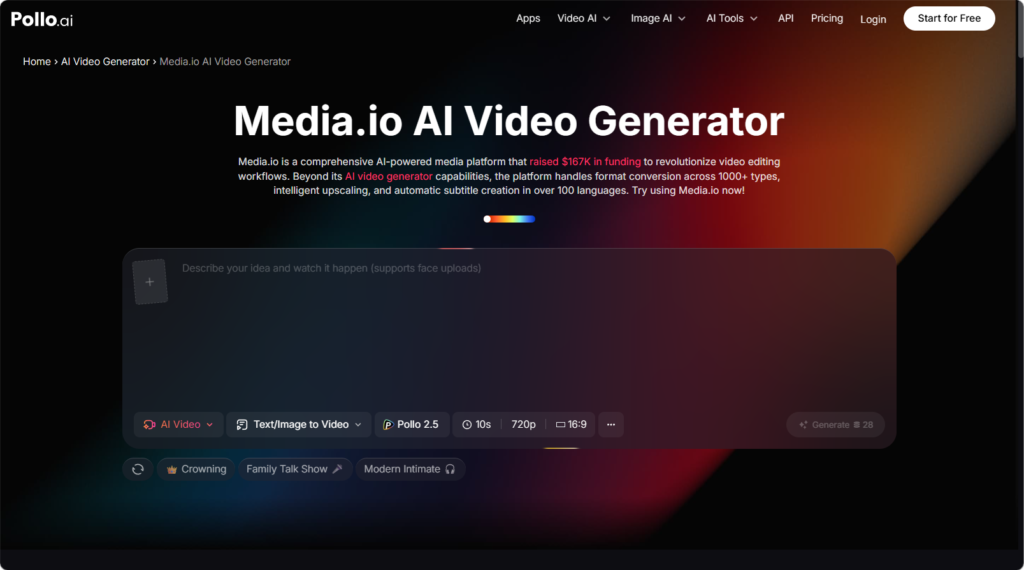
Media.io provides a precise AI background remover that quickly and accurately removes or replaces backgrounds, perfect for transforming a generated portrait into a transparent asset for social media graphics or web design. The platform also offers voice cloning and generation capabilities, letting you create realistic voiceovers paired with your portrait visuals for video introductions.
If your portrait will appear in video format, Media.io enhances resolution automatically and improves overall video quality, ensuring crisp results even on large displays.
Tips for Maintaining Consistency Across Multiple Portraits
Brand campaigns and storytelling projects often require the same character across multiple scenes. Achieving this consistency takes deliberate prompt engineering.
Save your successful prompts as templates. When generating a follow-up image, reuse the core character description verbatim and only adjust the scene or expression. Document specific phrases that produced strong results, building a personal prompt library accelerates future work.
Lighting consistency also matters. If your first portrait used “warm golden hour lighting,” carry that phrase through subsequent generations to maintain visual cohesion.
Avoiding the Uncanny Valley Effect
Hyperrealistic faces sometimes drift into eerie territory when proportions feel slightly off. Counter this by emphasizing natural imperfections, freckles, slight asymmetry, or relaxed facial muscles. Perfect symmetry often reads as artificial, while small flaws ground the image in reality.
Avoid stacking too many emotional descriptors. “Joyful, surprised, contemplative, mysterious” creates conflicting signals. Pick one dominant emotion and let it shine.
Why This Workflow Beats Traditional Portrait Production
Speed is the obvious advantage, generating a portrait takes seconds compared to days of scheduling and shooting. Cost savings extend beyond fees, you eliminate equipment rentals, location permits, and post-production overhead.
Creative flexibility expands too. You can produce a vintage 1960s film portrait, a futuristic cyberpunk character, and a corporate executive headshot in the same afternoon, something physically impossible with traditional photography.
Wrapping Up Your Portrait Creation Journey
Building portrait skills with AI tools rewards patience and curiosity. Start with simple prompts, study what works, and gradually layer complexity. Combine Pollo AI’s Text to Image AI for generation with Media.io for editing and video integration, and you’ll have a complete portrait pipeline ready for any creative challenge.